
Exams module
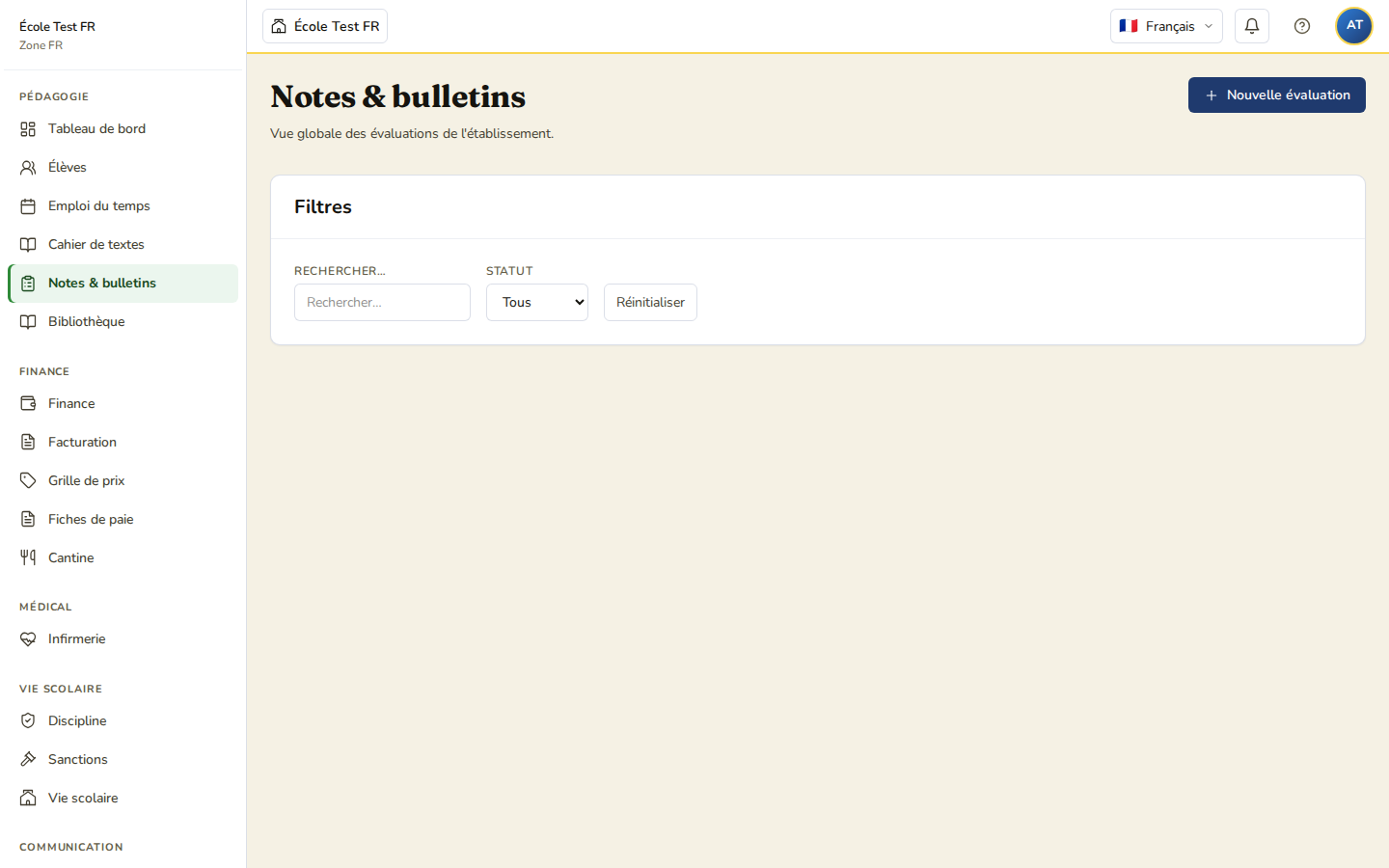
The exams module lets you organise exam sessions. A session is a single paper — there is no concept of several “papers” attached to one session: each session has its own subject, class and time slot.
What an exam session is
A session groups together:
- a title and a description;
- a subject and a class;
- a start date/time, an end date/time, and a duration (in minutes);
- a room (optional).
There is no coefficient, no candidate number, and no distinction between “internal” and “official” exams: every session follows the same model.
Session lifecycle
A session moves through four statuses, in this order:
| Status | Meaning |
|---|---|
| Draft | Session created, still being prepared. |
| Published | Session confirmed. |
| In progress | The session is taking place. |
| Closed | The session is over; attendance and marks can be viewed. |
Candidates and invigilators
- Enrolled candidates are the pupils attached to the session, via an explicit list.
- Invigilators are staff members assigned to the session. The only rule enforced: the same person cannot be assigned twice to the same session. There is no per-invigilator room, and no “marker” role.
Attendance and marks
For each candidate, the session record shows:
- attendance;
- the mark (a number, with no marking scale imposed by the application);
- free-text notes.
Roles and access
| Profile | Access |
|---|---|
| School admin / Head teacher / Teacher | Create and manage sessions |
| Pupil / Parent | No dedicated access in the current interface |
Next step
See Create an exam session to get started.