
Taking the Register and Managing Absences
Taking the Register (teacher)
There is no dedicated “Attendance” menu: the register is started from your Dashboard.
- On your Dashboard, find today’s relevant class and click Take attendance (subtitle “Record attendance”).
- For each pupil: Present (default), Absent or Late.
- Submit the register.
Monitoring Attendance (administration)
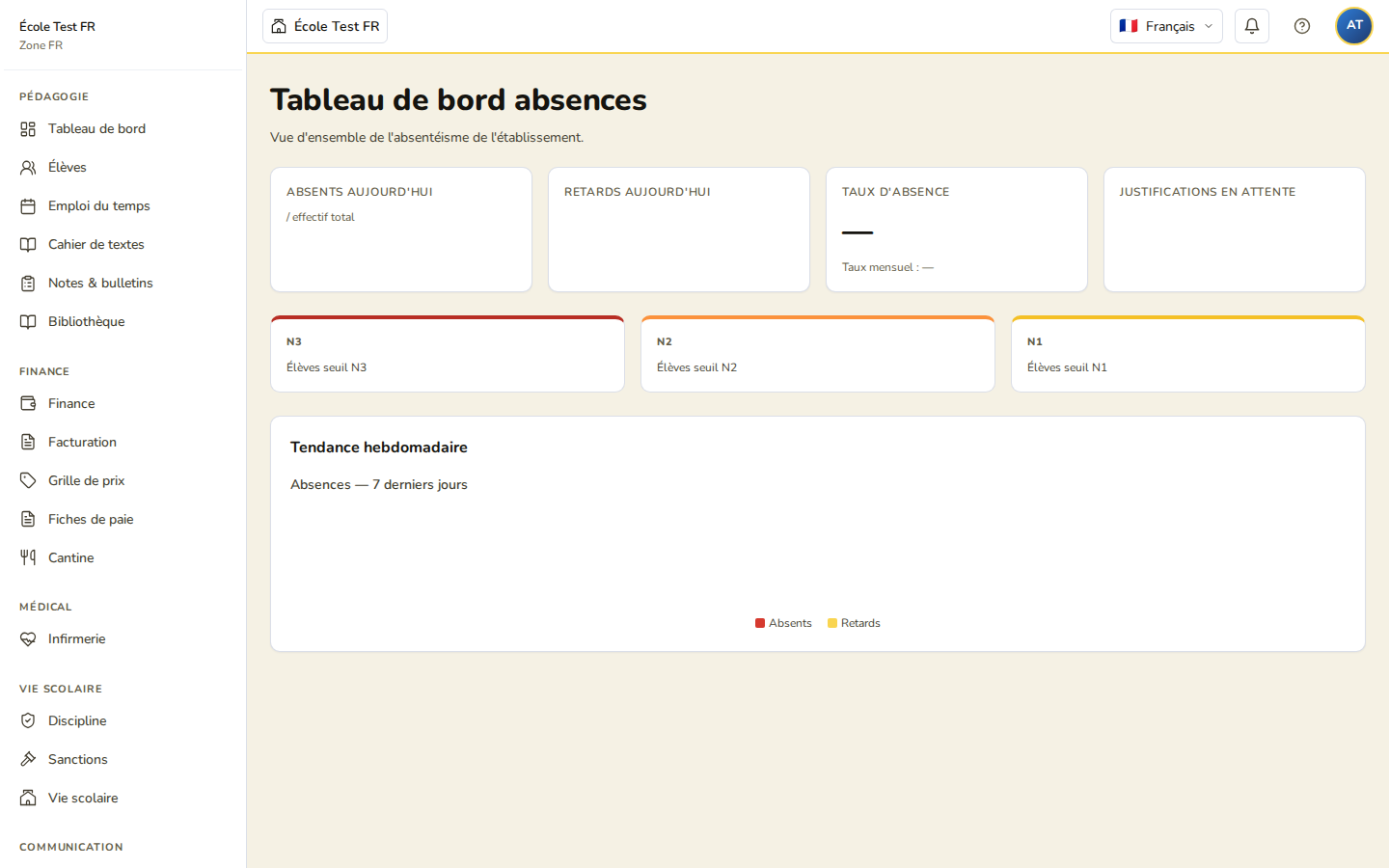
School-wide attendance is viewed on the Attendance Dashboard page, reachable at /attendance/dashboard (it is not yet listed in the navigation menu). It shows:
- global rates for today and for the month (absent today, late today, daily/monthly absence rate) — no per-class breakdown on this page;
- the number of pending justifications;
- the number of pupils who have reached alert thresholds N1, N2 and N3;
- a weekly trend chart.
Two links at the top of this page lead to the Validation Queue and the Period Summary.
For a per-class breakdown of absenteeism, see the Reporting module (see the Attendance Statistics article).
Justifying an Absence
Justifying an absence is not an administrator action: it is submitted by the parent (verified legal guardian), from “My Attendance” on their own portal. Administration or the student welfare officer then validates the request from the Validation Queue page (/attendance/validation-queue):
- Each row shows the pupil, the date, the absence type, the reason given by the parent and the validation deadline.
- Click Approve or Decline (a message can be attached to a decline).
On the parent’s side, the attached supporting document (PDF or image) is limited to 8 MB, and the request must be submitted within 5 working days of the absence (fixed deadline, not configurable) — see the dedicated “Justifying an Absence” article for the full parent workflow.
Alert Thresholds
Thresholds are fixed (not configurable from a Settings page) and expressed in unjustified half-days per calendar month:
- N1: 3 half-days
- N2: 5 half-days
- N3: 10 half-days (regulatory threshold)
The number of pupils at each threshold is shown on the Attendance Dashboard.
Note: automatic email notification to parents or management on an absence or a threshold breach is not yet wired up in the application (planned for a later phase).